Network Cabling Installation in Victoria: The Simple Guide
You’re fitting out a brand new office in Geelong. The desks arrive Monday. The team starts Wednesday. But there’s nowhere to plug anything in yet! Sound stressful?
Network cabling installation is the fix, and it’s easier to understand than you’d think. If you run a business anywhere from Melbourne’s CBD to Ballarat or Bendigo, getting this right means fast internet, tidy setups, and zero drama on move-in day.
In this guide, you’ll learn exactly what network cabling installation means, when your business needs it, and what happens from planning right through to clean-up. We’ll keep it plain and skip the jargon. Here’s the quick roadmap:
- What installation actually involves
- How a good job gets planned and carried out
- How testing proves it all works
- What a finished job should look like
At Mr Data Cabler, we reckon business owners make smarter calls when someone explains things honestly. Let’s grab a coffee and dive in!
Network Cabling Cost & Planning Calculator
Estimate the potential cost of a network cabling installation and work out how many data points your property may need.
Include Ethernet points for computers, TVs, offices, access points, cameras and other devices.
Estimated cost breakdown
This is based on Average Melbourne Data cabling costs. For accurate quote contact us
Important: This calculator provides a general planning estimate only. It is not a quotation. Final costs can vary depending on cable routes, wall and ceiling access, cable lengths, building construction, termination requirements, testing, equipment and other site-specific factors.What Network Cabling Installation Actually Means
Picture your office like a house getting built. Before the furniture goes in, someone runs the pipes and wires through the walls. Network cabling installation is the same idea, but for your internet, phones, and computers!
Installation is the whole job of putting in the cables that carry information around your workplace. It covers planning where everything goes, running the cables through walls and ceilings, fitting the wall sockets, setting up the gear, and testing it all.
Done well, it’s neat, labelled, and built to last. Done badly, you get a tangled mess and dropouts for years. The good news? A proper install is straightforward when you know what to expect!
When Your Business Needs New Cabling
Let’s be honest about the moments that call for a fresh install. Here are the big ones we see across Victorian businesses.
- Moving into new premises with no cabling at all.
- An office fit-out where walls and desks are changing.
- Unreliable internet that keeps dropping out.
- Growing your team and running out of network points.
- Old cabling that can’t keep up with modern speeds.
Imagine if a busy law firm in Shepparton signs a lease on a lovely old building. The walls are gorgeous, but there’s not a single data point inside! Without a proper install, staff would be stuck on phone hotspots for weeks. That’s a made-up example, but it happens all the time.
If any of these sound like you, an install is the answer!
How a Good Installation Gets Planned
Here’s the best part: a great install starts long before anyone drills a hole. Planning is where the magic happens!
The Site Check
First up is the site check. This is when your cabler walks through your space to see what’s what.
They look at where desks will go, where the internet comes in, and how the walls are built. Old brick walls in a heritage Bendigo shopfront need different handling than a modern Melbourne office tower! A good site check means no nasty surprises later.
Mapping the Cable Runs
Next comes the plan for cable runs. A cable run is simply the path each cable travels, from a desk back to the main gear.
Think of it like planning the best route across town before you drive. Your cabler works out the tidiest, safest paths through walls, ceilings, and floors. Fewer twists and tangles means faster, steadier connections!
Counting Network Points
A network point is the little socket in the wall where you plug in a computer, phone, or printer. Think of it like a power point, but for internet!
The golden rule? Plan for more points than you reckon you’ll need. Adding them later means drilling holes all over again. Planning ahead now is way cheaper and heaps easier!
What Happens on Install Day
Here’s what a smooth install day looks like, step by step. No mystery, just solid work!
First, the team runs the cables along the paths mapped out in planning. They feed cable through walls, ceilings, and cable trays, keeping everything tidy and out of harm’s way.
Next, they fit the wall sockets at every desk and meeting room. Each one gets connected and labelled so you always know what’s what.
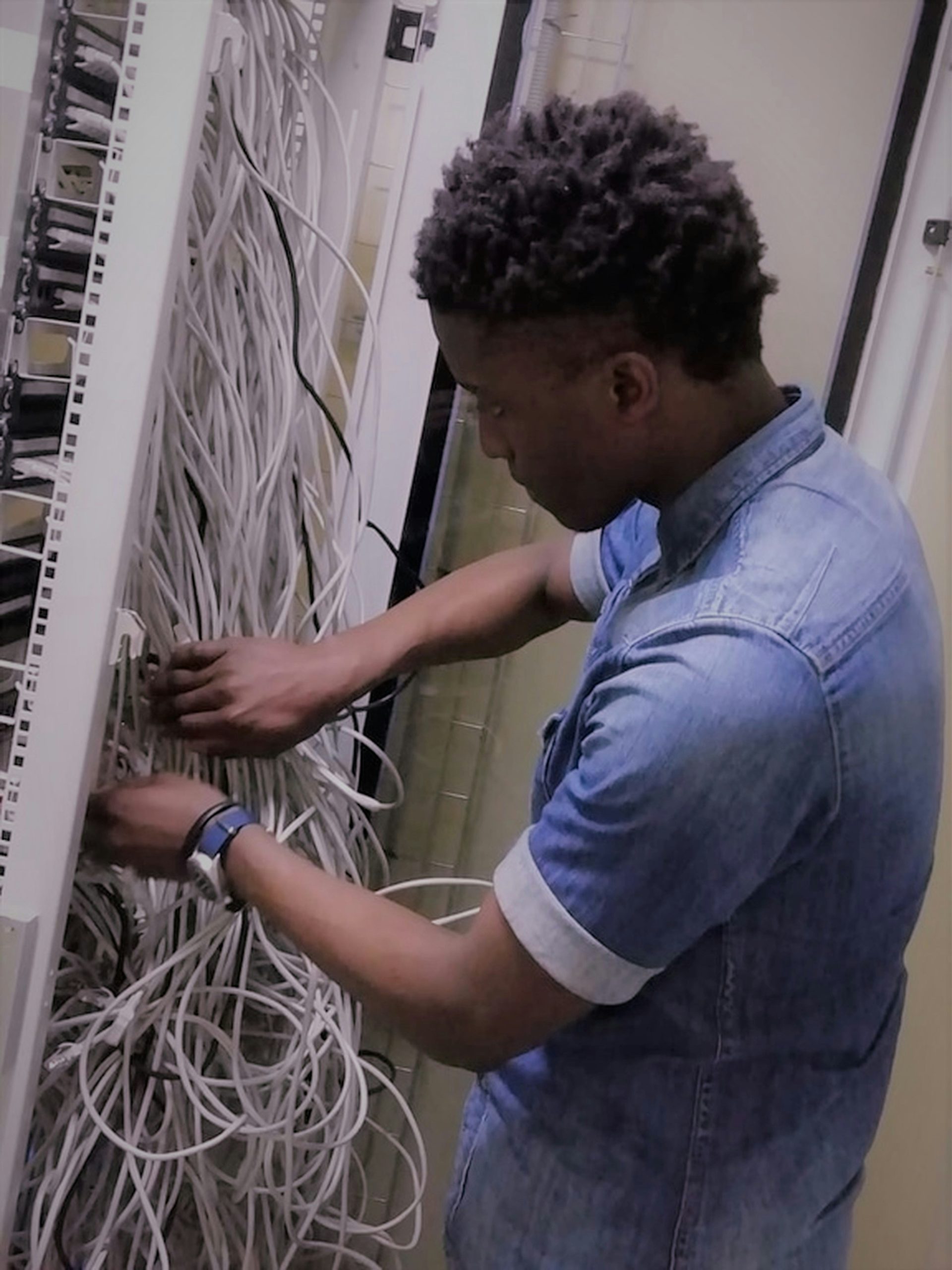
Then, they set up the rack and patch panel in your comms room. A rack is like a bookshelf for your networking gear, keeping it off the floor and organised. A patch panel is the clever bit where every cable in the office comes together in one tidy, labelled spot!
Finally, they connect everything up and get ready to test. By knock-off time, your office is wired and nearly good to go!
Imagine if a growing accounting firm near Seymour books their install during the quiet week before tax season. The team runs forty desks’ worth of cable, labels every point, and sets up a neat rack. Come Monday, staff plug in and everything just works! That’s a hypothetical, but it shows how good timing pays off.
How Testing Proves It All Works
This step is easy to skip, but it’s the most important part of the whole job!
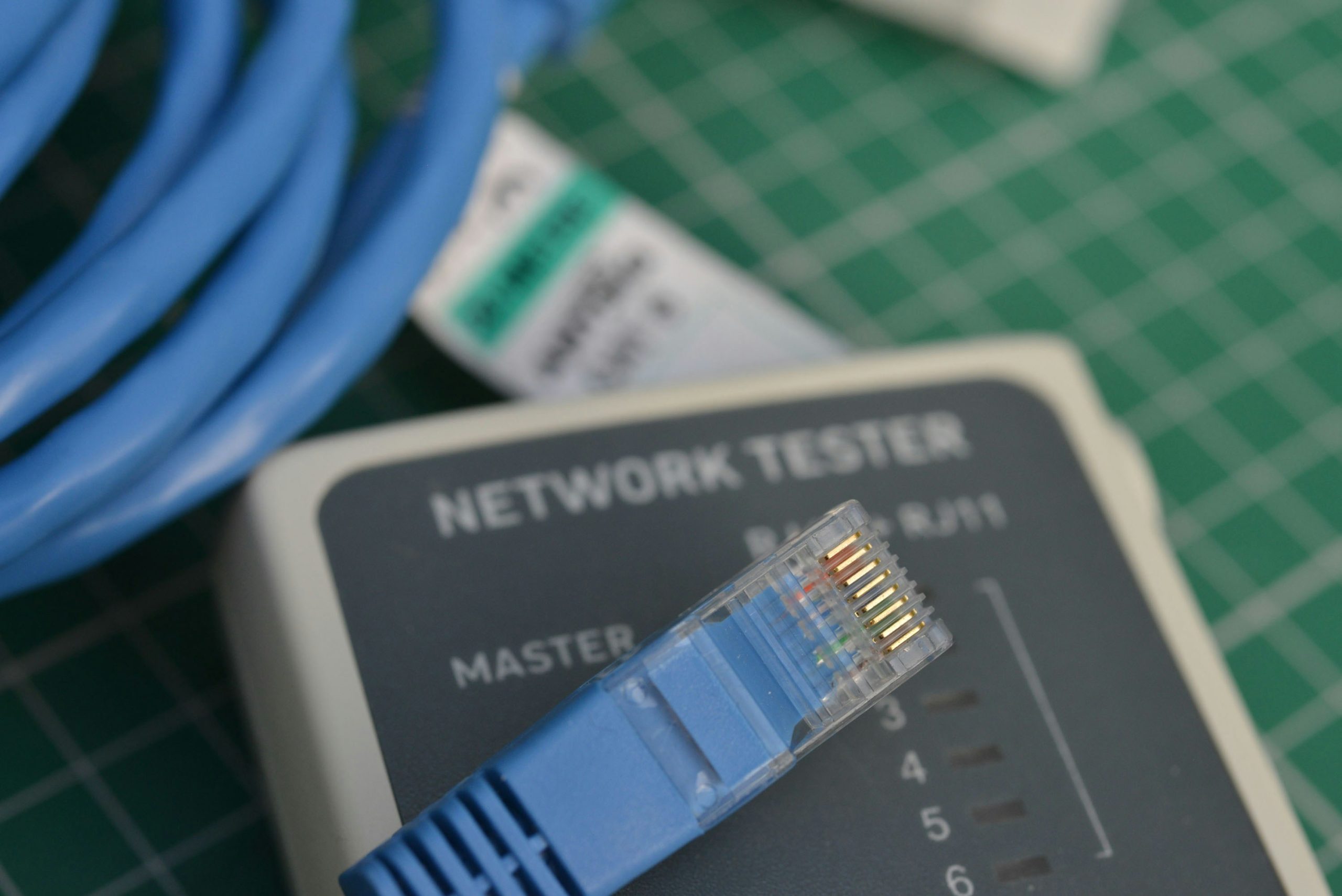
Testing means checking every single cable to make sure it works and hits the right speed. A proper cabler runs each cable through a special tester, one by one.
Think of it like a mechanic doing a full check before handing back your car, rather than just saying “she’ll be right.” You get a certification report to keep, proving each cable passed. If someone won’t test and certify their work, that’s a big red flag!
Testing turns “I think it works” into “I know it works.” That’s the peace of mind you’re paying for!
What a Good Finished Job Looks Like
Here’s the payoff. A quality install leaves you with a setup you can actually trust!
- Neat cable runs with no tangles or gaffer tape across the floor.
- Labelled network points at every desk and meeting room.
- A tidy rack and patch panel where everything’s easy to find.
- A full testing report you get to keep.
- A clean workspace, with all the offcuts and rubbish taken away.
That last one matters! A good cabler cleans up after themselves. They don’t leave you with a pile of cable scraps and dusty floors.
Imagine if two Ballarat cafés turned co-working spaces get their cabling done. One team leaves labelled points, a neat rack, and a spotless room. The other leaves mystery cables and a mess. Guess which one saves money every time something needs fixing! That’s a made-up example, but you get the idea.
Ask plenty of questions along the way. A decent cabler won’t mind explaining things. At Mr Data Cabler, we’d rather spend ten minutes walking you through the plan than leave you guessing. A good tradie explains, they don’t just nod and drill!
Practical Takeaways
Let’s wrap up with the key points to remember!
- Network cabling installation is the whole job of planning, running, and testing your office cables.
- You’ll need it for new premises, fit-outs, team growth, or dodgy old cabling.
- Good planning starts with a site check and a smart map of cable runs and network points.
- Install day covers cable runs, wall sockets, and a tidy rack and patch panel.
- Always insist on testing and a certification report you keep.
- A great finished job is neat, labelled, tested, and cleaned up.
Here’s your next step: if you’ve got a move or fit-out coming up, start planning the cabling now, not the week before. Sketch out your desk layout, count your points, and book your site check early.
Take your time, ask lots of questions, and pick someone who explains things clearly. That’s the whole reason we put this guide together at Mr Data Cabler: so you can make a confident, well-informed call.
Now go enjoy the rest of that coffee!