Office Data Cabling in Victoria: The Simple Guide Every Business Owner Will Love
Your video call freezes right when the client’s about to say yes. The printer won’t connect. And half the desks lose internet every arvo when the office fills up. Frustrating, right?
If you run an office anywhere from Melbourne’s CBD to a workspace in Geelong or a shopfront in Ballarat, dodgy cabling quietly drains your day. The best part? It’s an easy fix, and it’s simpler than you’d think!
In this guide, you’ll learn exactly how office data cabling works, why it matters, and what to look for when you get it sorted. We’ll keep it plain and skip the jargon. By the end, you’ll chat with any cabler and know precisely what they’re on about. At Mr Data Cabler, we reckon business owners make smarter calls when someone explains things honestly.
Let’s grab a coffee and dive in!
What Office Data Cabling Actually Is
Picture your office like a house. Water runs through pipes. Power runs through wires. And your internet, phones, and computers? They run through data cables.
Office data cabling is the network of cables that carries information around your workplace. Every email, video call, printout, and card payment travels through them. Set them up well and everything’s fast and steady. Leave them messy and you get dropouts, slow speeds, and grumpy staff.
Doing it the smart way is called structured cabling. Everything gets planned, labelled, and tidied instead of thrown together. Think of a well-run kitchen where every utensil has its spot!
The Everyday Office Problems Bad Cabling Causes
Let’s be honest about what goes wrong. Here are the usual troublemakers we see in Victorian offices.
- Slow internet that crawls once everyone’s online at once.
- Dropouts during video calls or card payments.
- Printers and phones that keep losing connection.
- Patchy Wi-Fi in the meeting room or back corner.
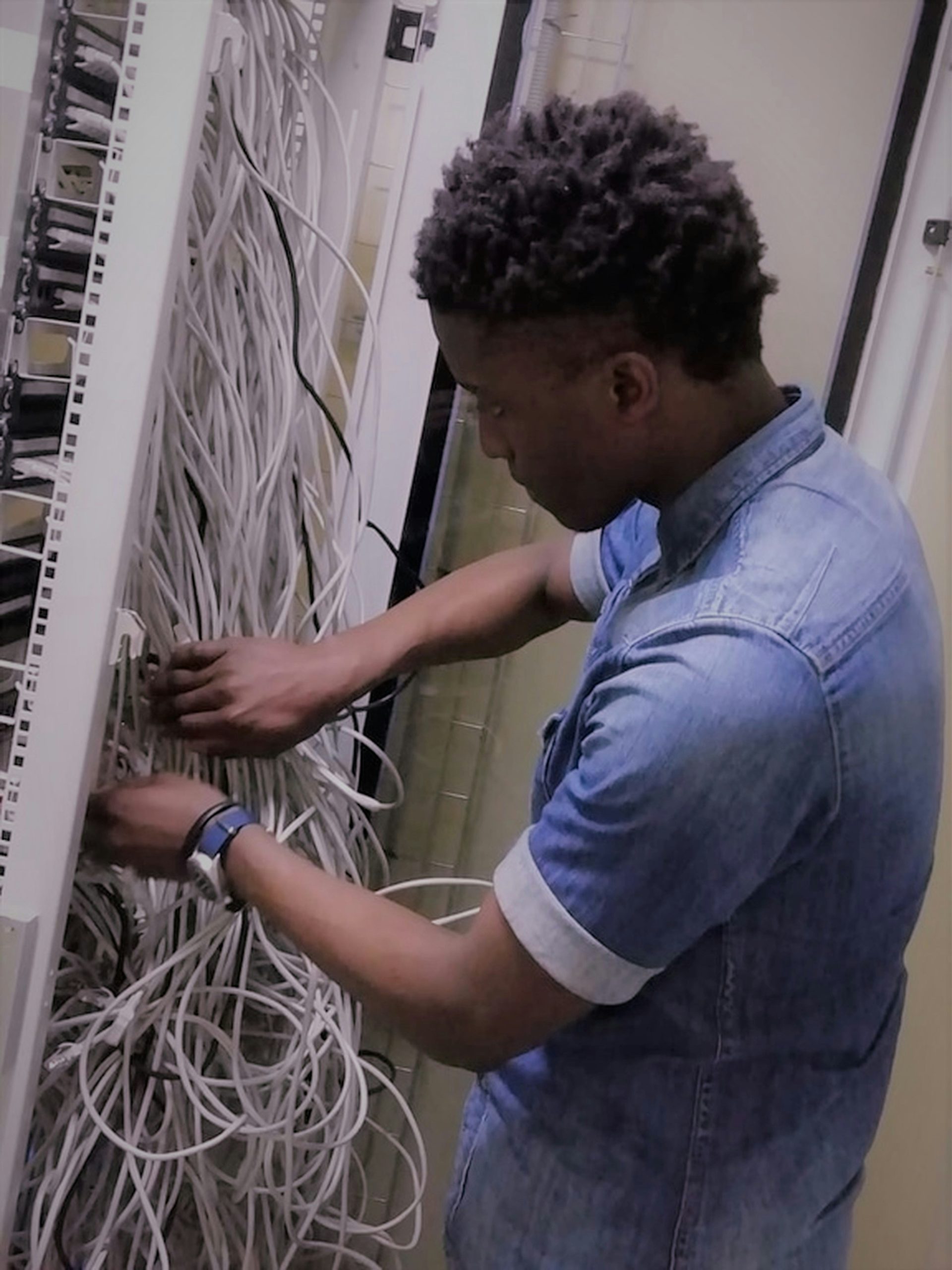
- Messy server rooms where nobody knows which cable does what.
Imagine if a busy real estate office in Bendigo hires four new staff over spring. They plug in extra computers, but there aren’t enough network points. So someone runs cheap cables across the floor, taped down with gaffer tape. People trip. Calls drop. It’s chaos by Christmas! That’s a made-up example, but it plays out in real offices all the time.
Good cabling stops these headaches before they start!
The Building Blocks, Explained Simply
Here’s where cabling gets a bit technical. We’ll break it down piece by piece so it makes easy sense.
Network Points
A network point is the little socket in the wall where you plug in a computer, phone, or printer. Think of it like a power point, but for internet!
The simple rule? Have more points than you reckon you’ll need. Adding them later means drilling holes again and paying more. Planning ahead is way cheaper.
Cat6 Cable
You’ll hear cablers mention Cat6. It stands for “Category 6,” and it’s just a cable that carries data fast and reliably. It’s the go-to standard for most offices!
There’s older stuff like Cat5e, which still works but runs slower. For most Victorian offices, Cat6 hits the sweet spot: quick, dependable, and it won’t need swapping out for years.
Racks and Patch Panels
Here’s where lots of people get lost, so stick with me!
A rack is like a bookshelf for your networking gear. Everything sits neatly in it, off the floor and out of harm’s way.
A patch panel is the clever bit. Picture an old-school telephone switchboard where an operator plugged cables in to connect calls. A patch panel does the same job. Every network point in your office runs back to this one tidy panel.
Imagine if a co-working space in Shepparton has forty desks. Without a patch panel, forty cables run wild into the back room. With one, they’re all labelled in a single spot. If desk 14 plays up, you find its cable in seconds instead of playing detective! That’s a fictional example, but it shows exactly why patch panels matter.
Wi-Fi Access Points
Here’s a myth worth busting: good Wi-Fi still needs good cabling!
A Wi-Fi access point is the little box on the wall or ceiling that beams out wireless internet. Each one plugs into a network point with a cable. More cabling in the right spots means strong Wi-Fi in every meeting room and corner, not just near the front desk.
Testing
This one’s easy to skip but super important. Testing means checking every single cable to make sure it works and hits the right speed.
A proper cabler runs each cable through a tester and hands you a report. Think of it like a mechanic doing a full check before giving your car back, rather than just saying “she’ll be right.” If someone won’t test and certify their work, that’s a red flag!
Why This Matters for Your Office
Here’s the payoff. When your cabling’s done properly, great things happen!
Your internet gets faster and steadier. Your printers and phones stay connected. Your Wi-Fi reaches every room. And when something goes wrong, fixing it is quick because everything’s labelled.
There’s the money side too. Every hour your systems are down is lost work, missed sales, or frustrated customers. Solid cabling is a quiet investment that keeps paying off day after day!
Planning for Future Staff Growth
Offices grow. Teams expand. The cabling you put in today should still work in five or ten years.
That’s what we mean by future-ready planning. Pop in a bit more capacity now so you’re not tearing walls open later. A few extra network points cost a little more upfront but save you a fortune down the track.
Imagine if a growing accounting firm near Seymour wires their office for exactly today’s team. Two years on, they add six staff, a new phone system, and security cameras. Suddenly there’s nowhere to plug anything in! Had they planned ahead, they’d have had it sorted. That’s a hypothetical, but it’s a common trap.
Planning ahead isn’t about spending big. It’s about spending smart!
What to Look for in an Office Cabling Job
When you’re getting quotes, here’s what a good job includes:
- A proper site walk-through so they understand your space and needs.
- Quality cable and parts, not the cheapest stuff going.
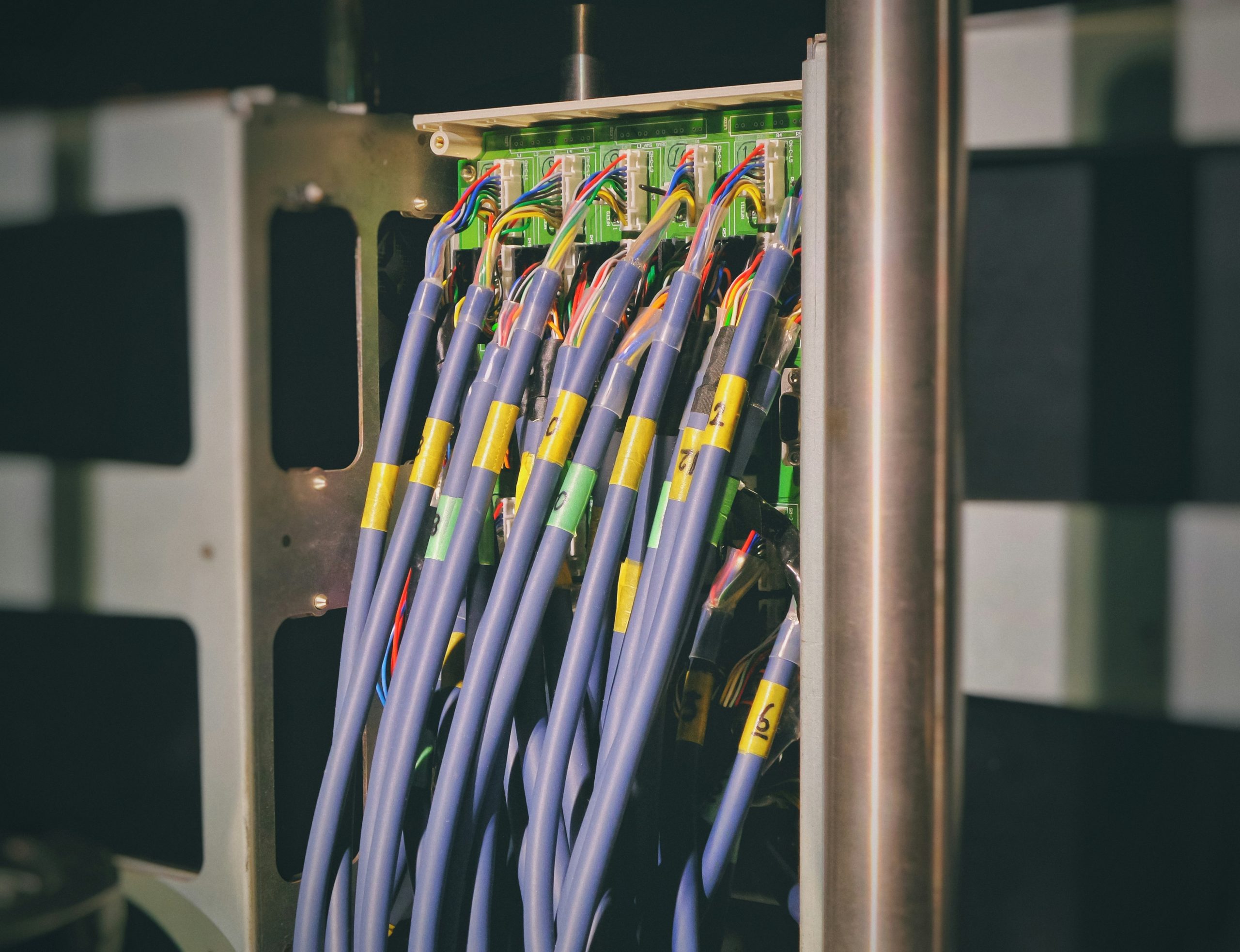
- Neat, labelled work in the rack and at every desk.
- Full testing and a certification report you get to keep.
- Honest advice about what you actually need, not the priciest option.
Ask plenty of questions. A decent cabler won’t mind explaining things. At Mr Data Cabler, we’d rather spend ten minutes walking you through the plan than leave you guessing. A good tradie explains, they don’t just nod and drill!
Sorting Cabling for an Office Move
Moving offices is one of the biggest cabling moments. Whether you’re shifting to a bigger space in Melbourne’s inner suburbs or setting up in regional Victoria, the cabling needs sorting before you move in.
Plan it early. Work out how many desks you’ll have, where they’ll sit, and how many points each needs. Doing it before the furniture arrives is a hundred times easier than working around a full office.
Imagine if a marketing team moves into a heritage building in central Bendigo. Lovely spot, but thick old walls. Sort the cabling before moving day and you walk into a fully working office. Leave it too late and you’re stuck on phone hotspots for a fortnight! You get the idea.
Practical Takeaways
Let’s wrap up with the key points to remember!
- Data cabling is the backbone of your office. Messy cabling causes dropouts, delays, and lost money.
- Structured cabling keeps everything tidy and labelled, so fixes are quick and easy.
- Cat6 is the go-to for most offices, powering desks, phones, and printers.
- Racks and patch panels organise your gear so it’s simple to manage.
- Wi-Fi still needs cabling to reach every meeting room and corner.
- Always insist on testing and a certification report.
- Plan for growth and sort cabling before an office move, not after.
Good cabling isn’t glamorous. Nobody walks in and admires the cables in the wall. But it’s the thing that keeps everything else humming along, day in and day out!
If you’re weighing up your options across Victoria, take your time, ask lots of questions, and pick someone who explains things clearly. That’s the whole reason we put this guide together at Mr Data Cabler: so you can make a confident, well-informed call.
Now go enjoy the rest of that coffee!